The Noob Experiment TD Controls Guide
Master NETD controls — E upgrade, X remove, placement, mobile tips, and upgrade discipline for The Noob Experiment TD
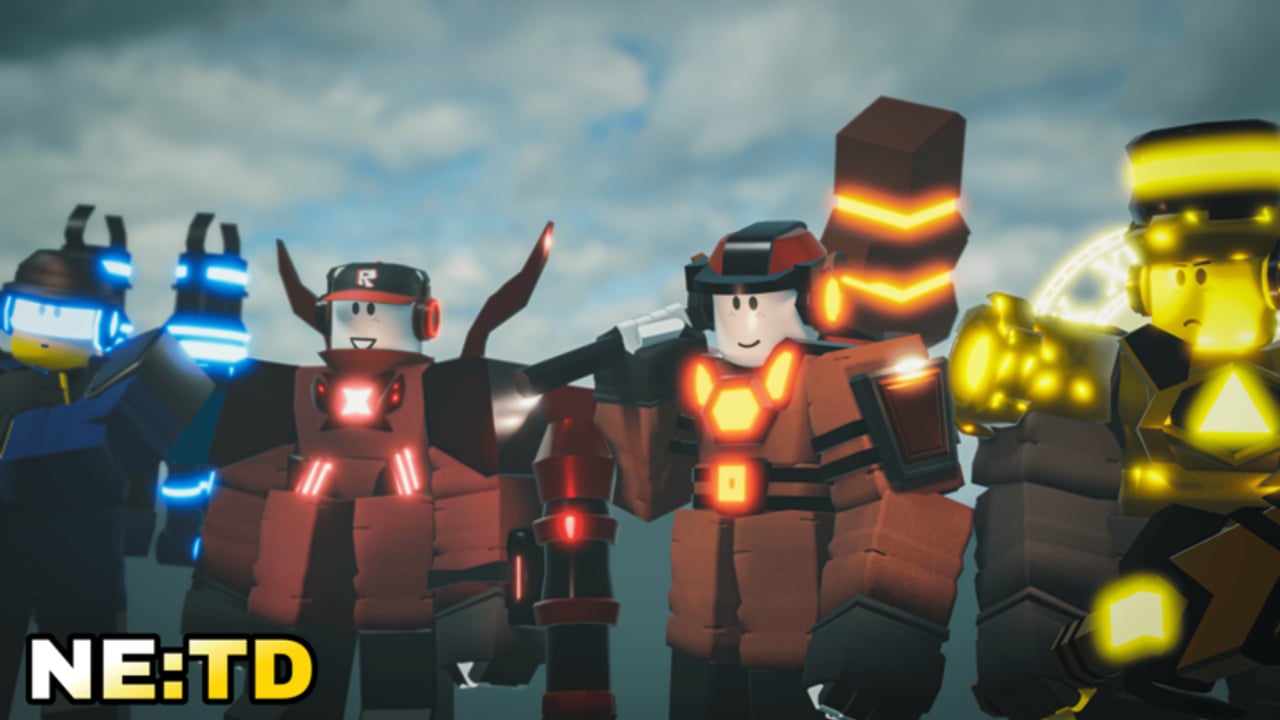
Why Controls Matter in NETD
The Noob Experiment TD (NETD) keeps its input scheme deliberately simple, but that simplicity hides a skill ceiling. Every wave is a cash decision: place a new body, feed E into your carry, or hit X to reclaim a tile for something better. Players who treat the keyboard like afterthoughts leak on Roblox HQ, stall economy before farmers pay off, and waste mid-game cash on towers they should have sold two waves earlier.
This guide is the practical controls companion for Tower Defense Games’ Roblox beta. It pairs with the Getting Started Guide and the Game Mechanics deep dive so you can focus on when to press keys, not only which keys exist.
Core Keyboard Controls
| Key / Input | Action | When to use it |
|---|---|---|
| Click | Select hotbar unit and place on a valid tile | Opening lanes, filling gaps, planting farmers behind DPS |
| E | Upgrade the selected unit | After income is stable; focus your main carry and farmer |
| X | Remove / sell the selected unit | Dead weight starters, wrong tile, or freeing space for a Titan/Ultimate |
Memorize E and X before you chase Godly crates. A perfect crate pull still loses if you cannot upgrade on tempo or clear a bad placement before the next spawn pulse.
Selection Habits That Save Runs
- Click the unit on the map, confirm the selection highlight, then press E or X. Accidental sells happen when players mash X while the wrong tower is selected.
- After placing, immediately decide: keep and upgrade later, or temporary body you will X once cash allows a real slot.
- In dense boards, zoom or rotate the camera so you never upgrade a support when you meant to upgrade the SoundWave carry.
Placement Flow
Placement is still “click to place,” but the decision tree is the real control:
Hotbar → preview → commit. Hover until range rings cover the path you care about. On multi-path layouts such as Roblox HQ, a pretty corner that only covers one lane is a trap.
Farmers first, then DPS. Place economy (for example Chief Scientist Guest when you own it) in safe rear tiles. Your early Noob/Guest/Builder starters hold the entrance until cash supports specialty DPS like Juggernaut Boombox.
Do not over-place. Extra bodies steal upgrade budget. If a tower is not earning its tile, X it and consolidate.
Watch how lobby selection, placement pacing, and upgrade cadence look in a real NETD session:
Upgrade Discipline with E
Upgrades raise damage, range, and ability strength, but costs climb. Spreading E across eight mediocre towers usually loses to three well-fed ones.
Early Waves (1–10)
- Place cheap starters; upgrade only if a leak is imminent.
- Get a farmer down; one or two E presses on the farmer often beat early DPS upgrades.
- Redeem working codes before the session so you are not grinding bare.
Mid Waves (11–30)
- Pick a primary DPS and feed E hard.
- Sell outdated starters with X as crate or craft units arrive.
- Keep at least one farmer alive — dead economy on Extreme or Endless ends the run quietly.
Late Waves / Prestige Content
- Titans and Ultimates deserve the upgrade budget once placed.
- Specialty tools (SoundWave packing, strong farmers) stay upgraded even when flashier towers appear.
- Check the Tier List after patches so you are not dumping E into a nerfed shell.
Remove and Sell with X
X is not failure — it is board hygiene.
- Wrong tile: Better to sell and replace than to force a bad angle for twenty waves.
- Role swap: Starter Noob becomes dead weight once a Titan or Ultimate occupies the same job.
- Co-op space: In parties, bad placements block allies. Clear clutter early; see the Co-op Guide for role splits.
Cash refunds and timing can feel stingy mid-fight. Prefer selling between spawn pulses when you can still react if the next group is thick.
Mobile Controls
On phones and tablets, on-screen buttons replace keyboard shortcuts:
- Tap hotbar icons to select units, then tap the map to place.
- Use the upgrade and remove UI buttons in place of E / X.
- Pinch-zoom and drag the camera before committing — fat-finger placements are the mobile equivalent of mis-aimed X.
Play shorter sessions on mobile until placement accuracy matches your PC muscle memory. Quest clears and daily rewards still count the same; see the Quests Guide for efficient daily loops.
Console Notes
Controller layouts map sticks to camera/cursor movement and face/trigger buttons to place, upgrade, and remove. Exact bindings can shift in beta, so open the in-game settings once per patch. The decision rules stay identical: protect farmers, focus upgrades, sell dead weight.
Controls Linked to Economy
NETD’s economy rework ties cash to enemy max HP — tougher foes pay more when they die. That means E timing is also income timing: under-upgraded boards leak high-HP elites and forfeit the cash those elites would have dropped. Over-upgrading before a farmer exists starves the board of bodies. Treat every keypress as a cash-flow statement.
Codes (NETD, 12K_LIKES, 115K_MEMBERS, and the upcoming 13K-likes drop) and daily rewards soft-start that economy. Controls do not replace progression systems — they unlock them. Crates climb toward Godly by level; crafting and index progress still need clean boards. Cross-read the Crates and Summon Guide and Crafting Guide once placement feels automatic.
Common Control Mistakes
- Upgrading every tower equally with E.
- Never selling — cluttered boards lose to focused ones.
- Placing farmers on the front line where they die first.
- Ignoring mobile UI until a daily quest expires.
- Copying creator loadouts without matching their upgrade cadence.
Practice Routine
Spend one Easy or Normal clear where your only goal is clean E / X habits. Ignore chasing new crates for that run. Then push a harder map or Roblox HQ and notice how fewer leaks appear when upgrades land on time. Pair the habit with map knowledge from the Maps Guide and patch awareness from the Latest Patch.
Frequently Asked Questions
Q: What are the most important NETD controls?
A: Click to place, E to upgrade the selected unit, and X to remove or sell it. Everything else is camera and menu work.
Q: Should I upgrade or place more units early?
A: Usually place a farmer and enough DPS to not leak, then focus E on the farmer and one carry. Extra unupgraded bodies waste cash.
Q: When should I press X?
A: When a unit is on the wrong tile, obsolete after a better pull, or blocking co-op space. Selling temporary starters is normal.
Q: Do mobile players have E and X?
A: Mobile uses on-screen upgrade and remove buttons that perform the same actions. Learn those UI targets the way PC players learn keys.
Q: Where do I practice controls without wasting progress?
A: Easy/Normal maps and short quest clears. Redeem codes first via the Codes page, then drill placement until Roblox HQ feels readable.
Related Content
- Getting Started Guide — Full beginner loop
- Maps Guide — Where placement matters most
- Roblox HQ Map Guide — New map layout tips
- Endless Mode Guide — Long-run upgrade pacing
- Tier List — What deserves your E presses
- Latest Patch — Balance changes that shift upgrade priority